

Written by Dennis Heinze
Recently, an increasing number of well-known manufacturers from the DIY space have decided to finance their new products via Kickstarter – including SainSmart and Genmitsu with their new entry-level CNC router “Cubiko”. For the project's backers, this definitely increases the chance of success, as established manufacturers are more reliable in bringing their products to market than completely new start-ups. We were provided with the Cubiko from SainSmart for this review, but as I’ve read in the corresponding Facebook group, the first backers are also receiving their router and the matching accessories. In today's article, we take a closer look at the Cubiko and examine whether it can truly make CNC available to everyone, as SainSmart describes. The router is listed for 347€ in the SainSmart Shop and is expected to be available through normal channels in September.
Unboxing
The Cubiko, the router for everyone – the dimensions are chosen accordingly. The machine comes in a handy box and is already completely assembled inside. After unpacking, you only need to stick on four feet and then you can insert the bit directly – off you go:
Everything is thickly packed in foam, and this time there is no difficult-to-remove film on the plastic cover, unlike with the L8 laser. Underneath is all the accessories, which you uncover layer by layer. In my case, I was sent the UK version, as nothing else was available. So don't be surprised if you see an English plug in some of the pictures.
Scope of Delivery
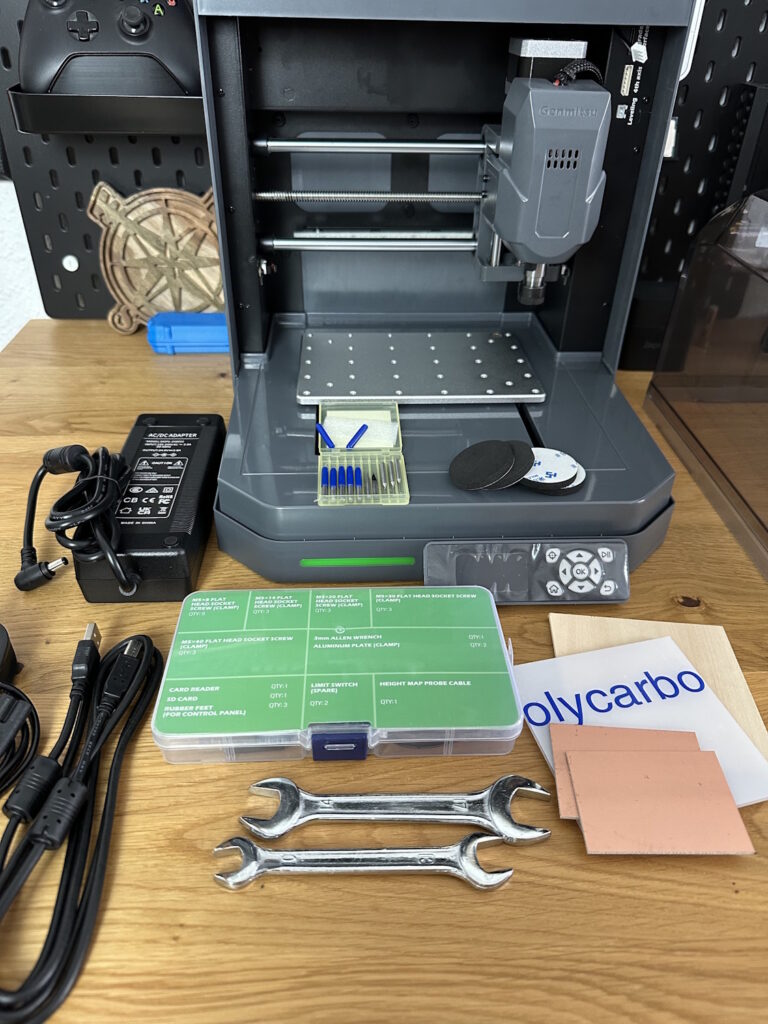
With the included accessories, you immediately notice the focus on manufacturing circuit boards or PCBs. All parts for this are already included, from blank PCBs to corresponding milling bits and drills. The following is included:
- Power supply with 108 cm cable
- Power cable according to the country version
- USB B-A cable 150 cm
- 4x foam feet
- 2x open-end wrenches
- Accessory box (tools, spare parts, clamps)
- Test materials (2x PCB, 1x polycarbonate, 1x wood)
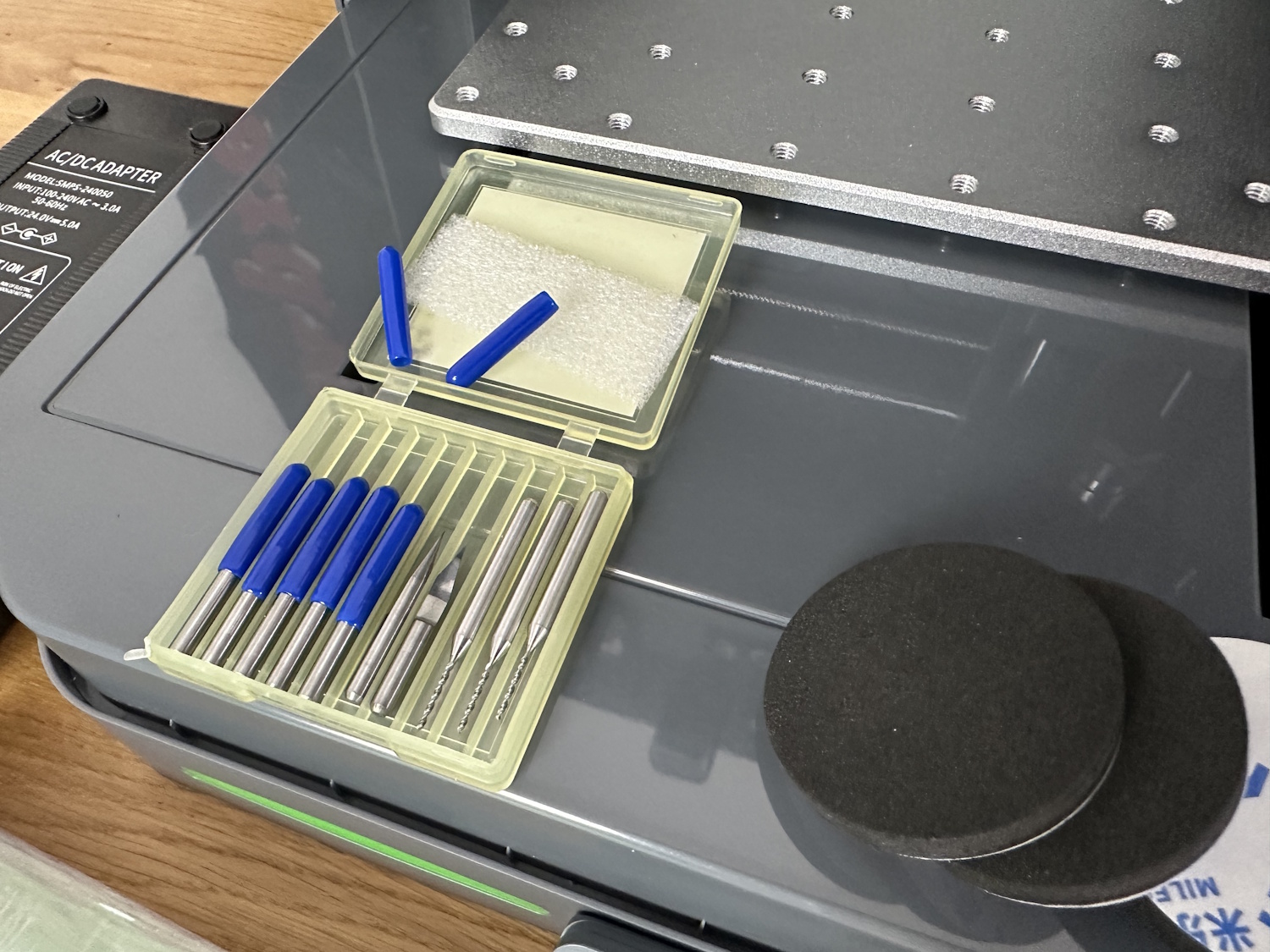
- Cutter set (7x engraving styluses, 3x drills)
- 1 GB SD card with a suitable USB adapter
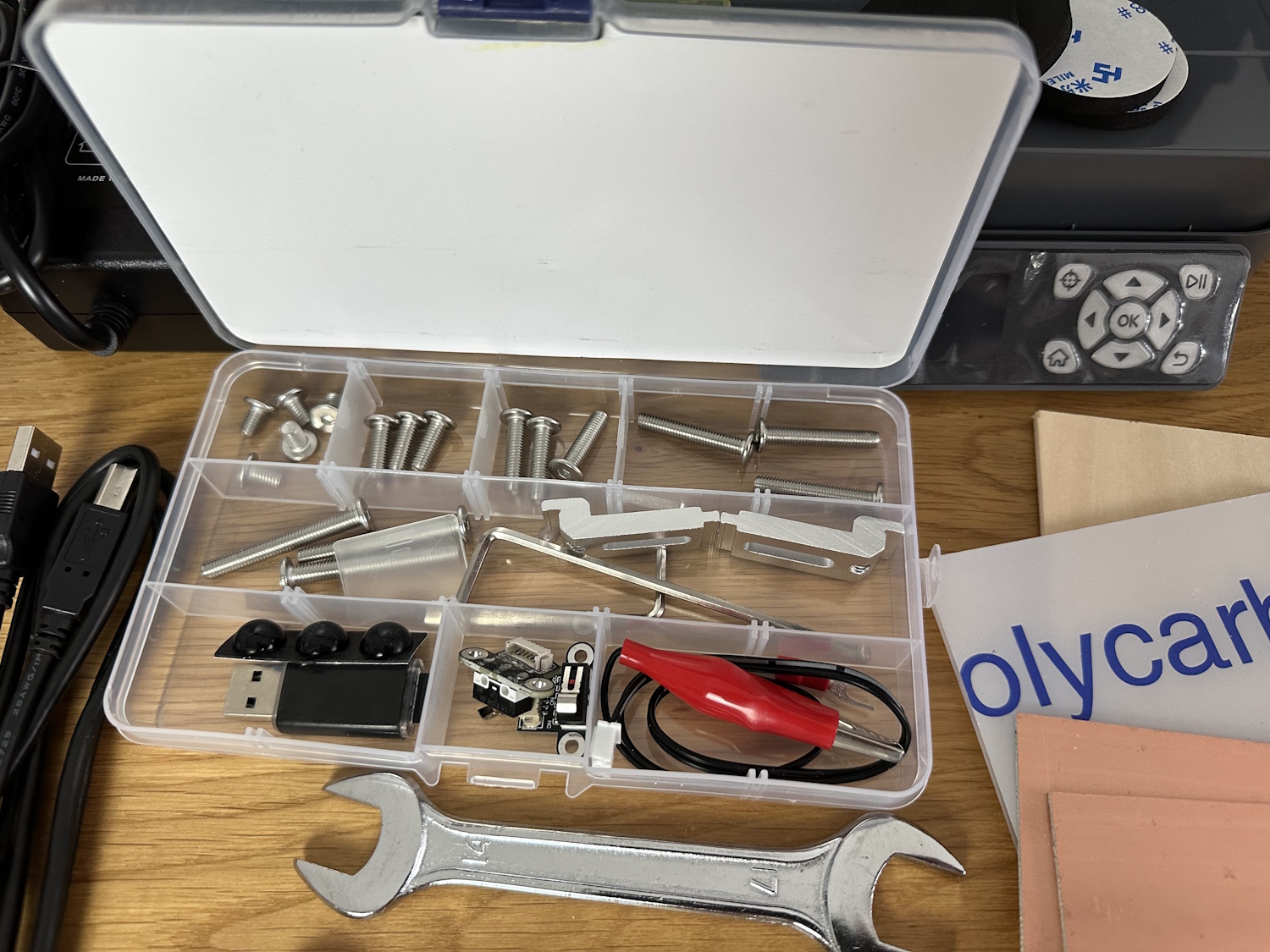
The accessory box contains screws of different lengths to provide a certain variability for the two included clamps. In addition, there is a spare limit switch for the X- and Y-axis, as well as a small cable harness for Z-measurement. The three rubber buffers in the bottom left compartment are for the underside of the control/display unit. It is very commendable that real open-end wrenches are included again and not just those simple, stamped sheet metal versions. The manual and quick start guide were missing from ours, possibly because it is still a very early version. The corresponding documents are available online, including German in addition to English.
Technical Data
SainSmart provides the following data for the Cubiko CNC router in the manual:
| Name | Cubiko |
| Working area | 145 x 110 x 40mm |
| Dimensions | 300 x 330 x 317mm |
| Control | GRBL 1.1h |
| MCU | 32 Bit |
| Feed rate | 2000mm/min |
| CAM Software | Everything with GRBL Support (e.g., Candle, UGS, Openbuilds Control) |
| Frame material | Sheet steel |
| Motor | 775 Spindle |
| Stepper motor | NEMA 17 1.5A, 0.45Nm |
| Stepper motor driver | TB67S109 |
| Power supply output | 24V 5A |
| Power supply | AC110/230V |
In fact, we were able to discover an extra 5 mm of travel in X, so the Cubiko reaches 150x110x40 mm before the limit switches, which are incidentally mounted on both sides of all axes, are triggered.
Power Consumption
As part of the technical data, we also looked at the power consumption. The Cubiko consumes 15 W in idle mode and approximately double that, 27-30 W, when running a project with offline control and the motor at full power. If a laptop or PC is used for control, its consumption is, of course, added on top.
Comparison of Cubiko with 3018 & 3020
Compared to the other entry-level machines from Genmitsu, the motion system comes with the following specifications:
| Cubiko | 3020 PRO MAX | 3018 PRO DIY | |
| Z-axis system | Trapezoidal thread with two round rod guides | Trapezoidal thread with two round rod guides | Trapezoidal thread with two round rod guides |
| Z-axis dimensions: Guide | 8 mm | 10 mm | 8 mm |
| Z-axis dimensions: Spindle | 8 mm | 8 mm | 8 mm |
| Z-holder | Plastic | Aluminum | Plastic |
| X-axis system | Trapezoidal thread with two round rod guides | Trapezoidal thread with two linear guides | Trapezoidal thread with two round rod guides |
| X-axis dimensions: Guide | 10 mm | 15 mm with one carriage each | 10 mm |
| X-axis dimensions: Spindle | 8 mm | 8 mm | 8 mm |
| X-frame | Bent steel molded part | 2x 20/40 mm | 2x 20/20 mm |
| Y-axis system | Trapezoidal thread with two round rod guides | Trapezoidal thread with two round rod guides | Trapezoidal thread with two round rod guides |
| Y-axis dimensions: Guide | 10 mm | 12 mm | 10 mm |
| Y-axis dimensions: Spindle | 8 mm | 8 mm | 8 mm |
| Y-frame | Bent steel molded part | 40/40 mm | 20/40 mm |
| Working area X Y Z | 150 x 110 x 40mm | 300 x 200 x 72 mm | 300 x 180 x 45 mm |
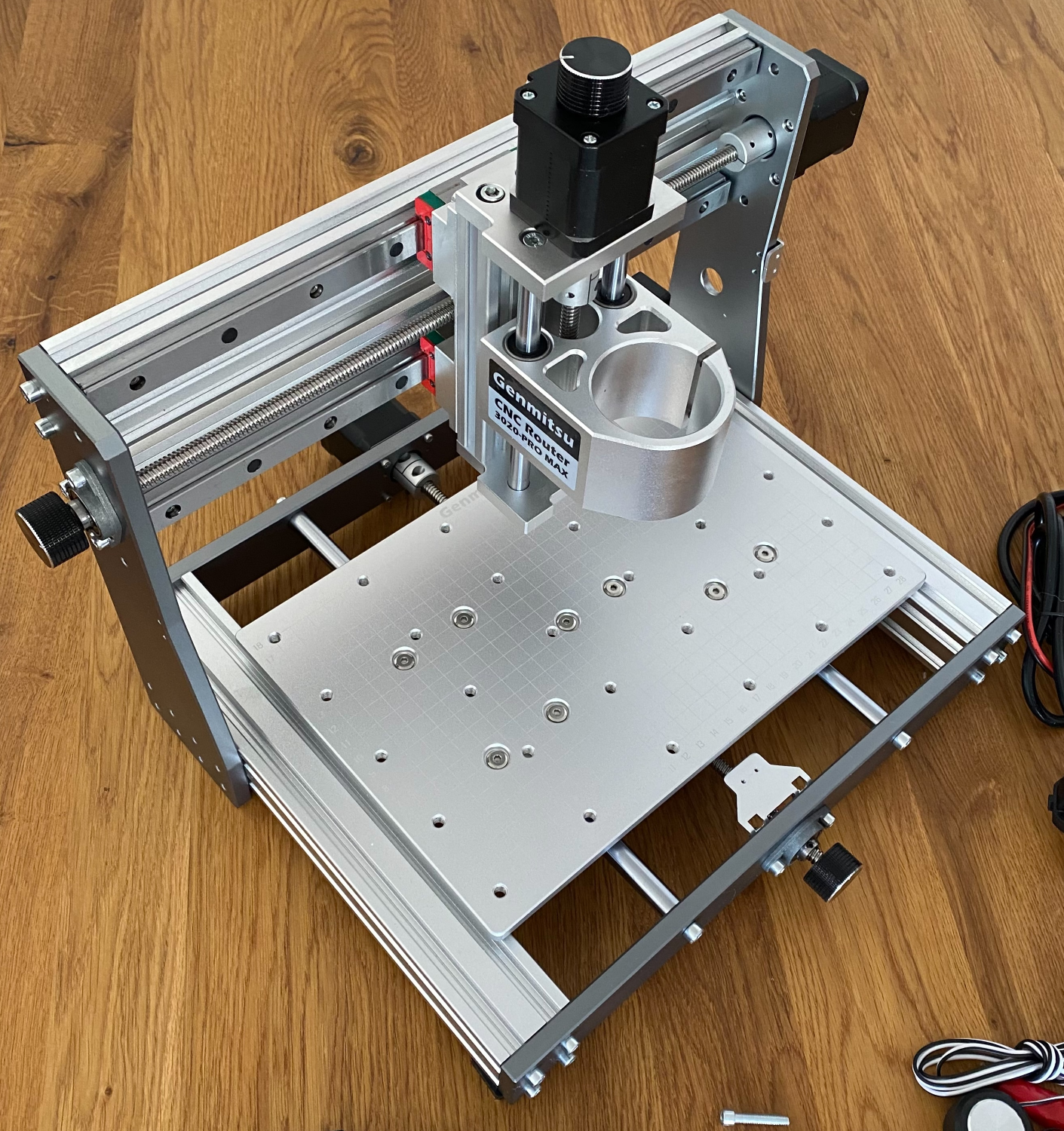
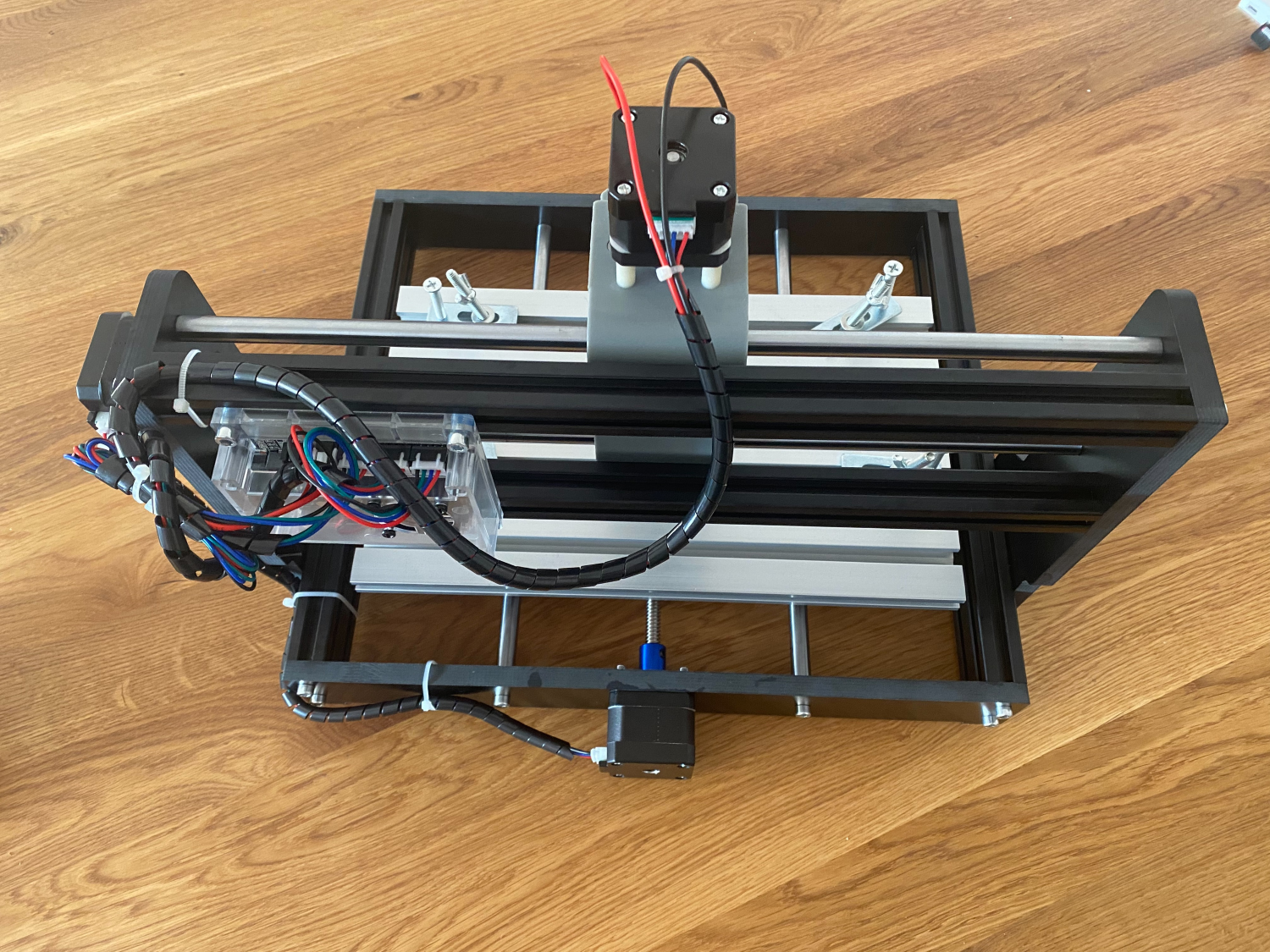
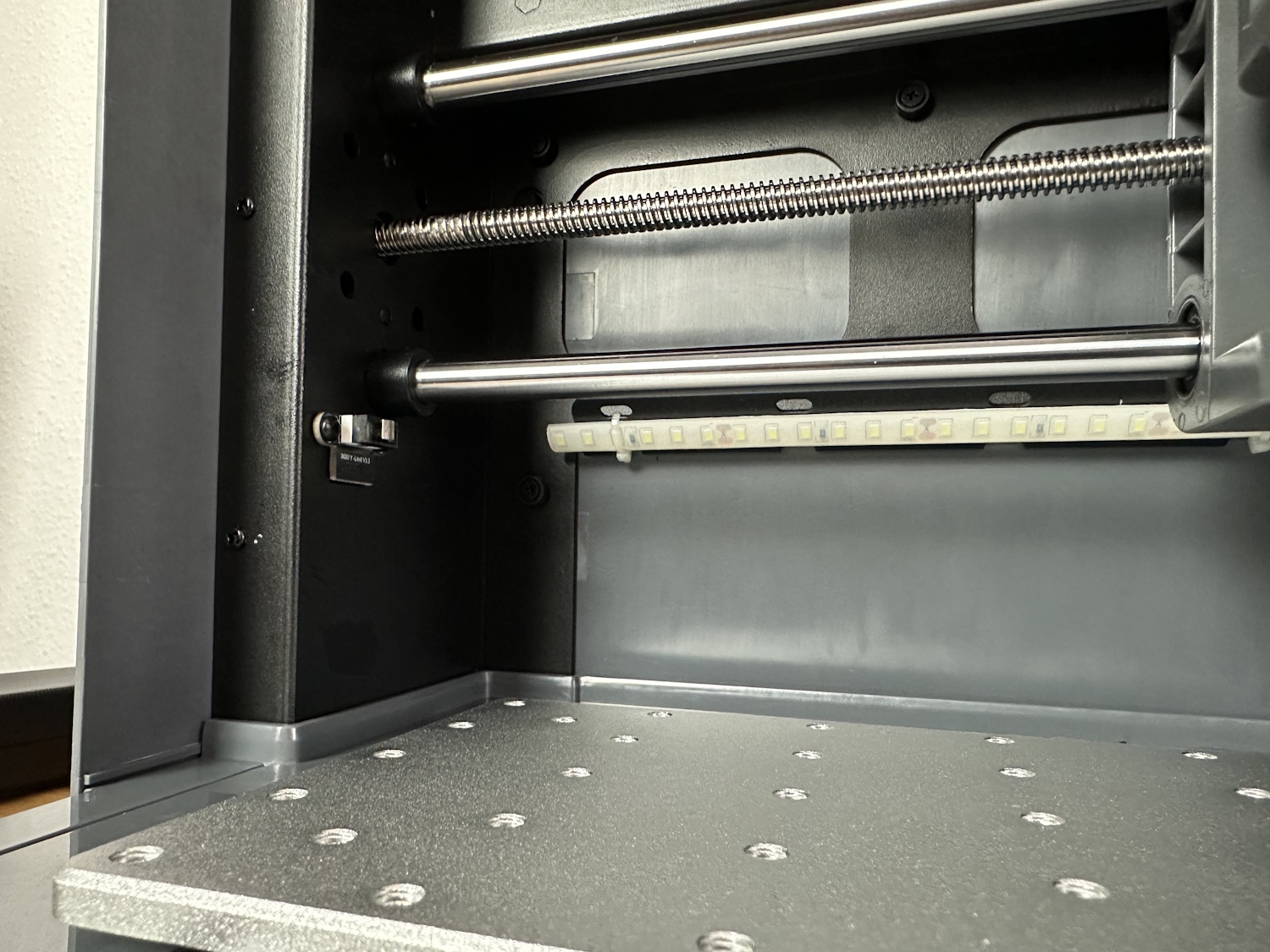
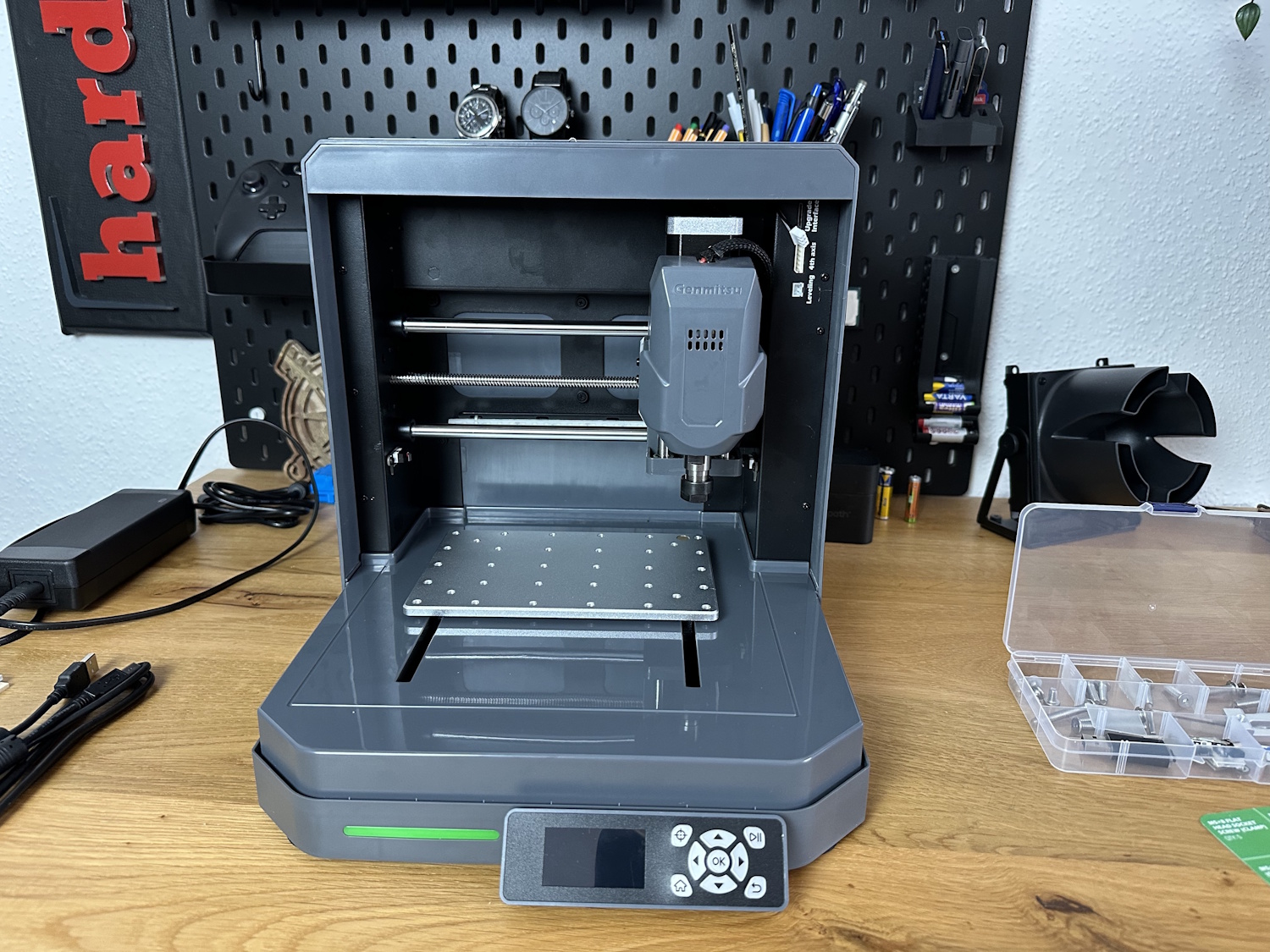
The Cubiko is not built from profiles like the other two models on the list, but comes with a custom-made sheet steel construction. This, in combination with the significantly reduced working area, creates a completely different ratio of working area size to the size of the base construction. Simply put, the Cubiko is significantly more stable than, for example, a 3018 Pro. We will see later whether this is also reflected in the results. In any case, it shows a different design language and exudes the character of an independent, high-quality product, unlike the DIY character of the 3018 Pro, for example. Even if the claddings are largely made of plastic.
What's Next?
This is just the beginning of our in-depth review of the Cubiko. In upcoming articles, I'll be conducting more rigorous performance tests to see how this machine holds up in real-world scenarios.
What aspects of the Cubiko are you most interested in? Let me know what you'd like to see me test in the next installment!


