Written by Kitto
How to Promote Your Brand with QR Codes on Your Products
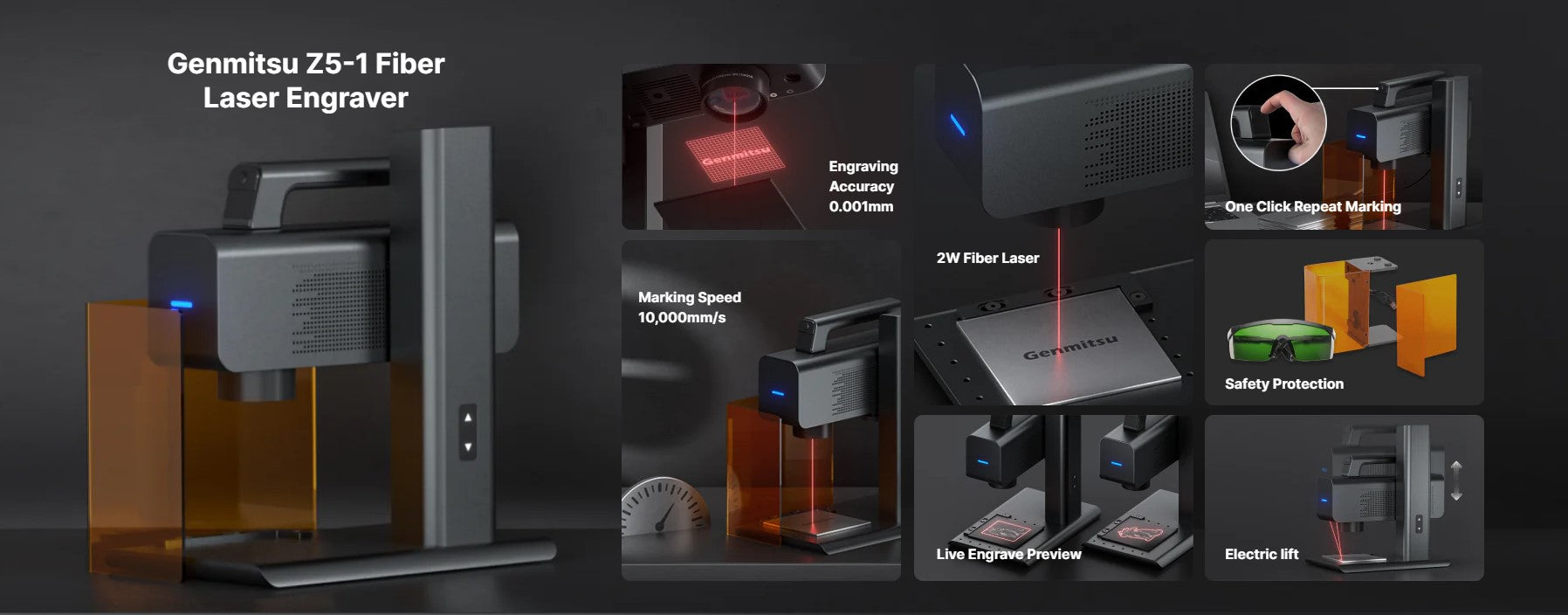
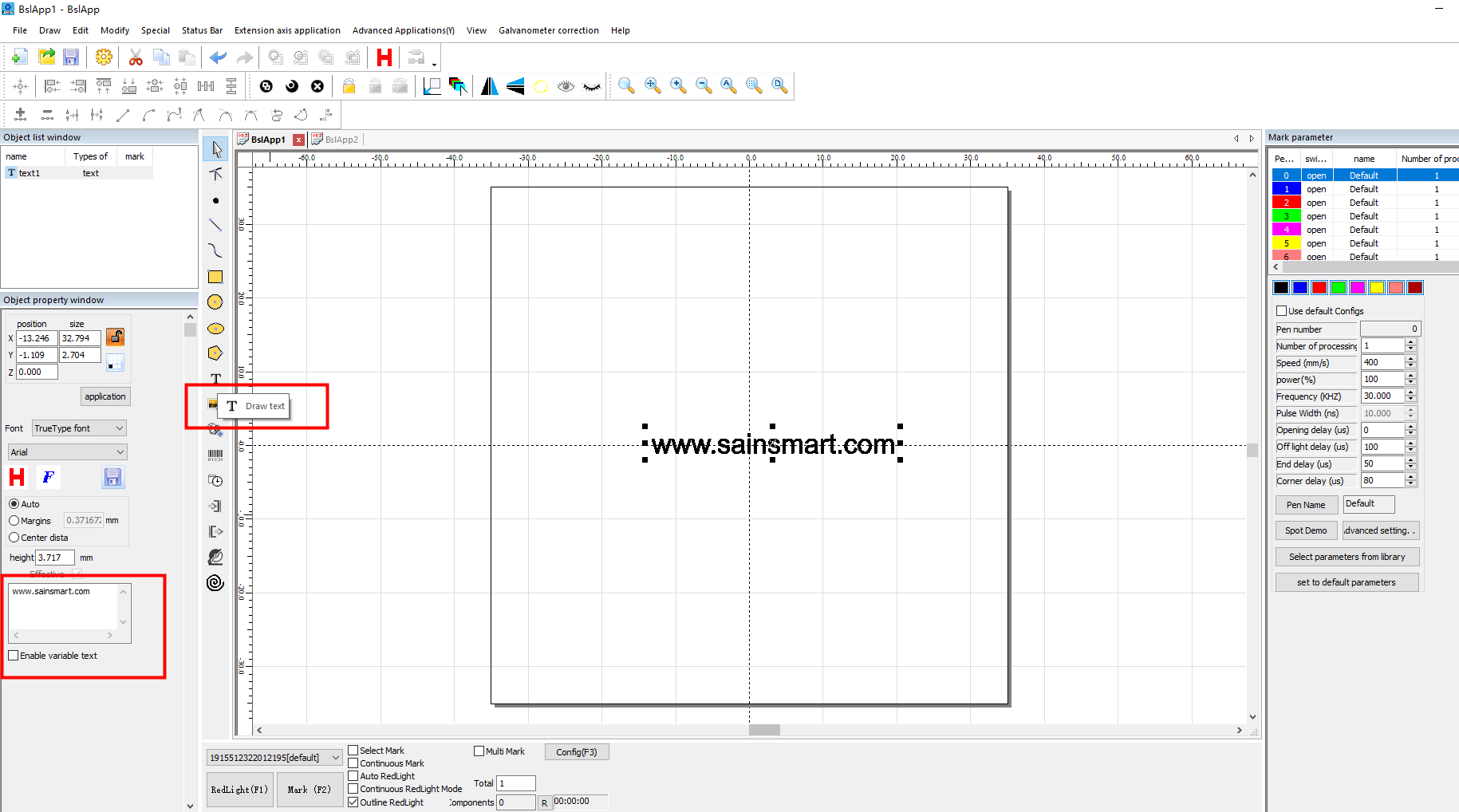
Consider adding a QR code with a link to your official website on your products. To do so, text your website link and select the barcode font. The QR code will be generated automatically. The Genmitsu Z5-1 laser can assist you with this task.

You can customize your QR code by visiting [odeba]. Additionally, you can add a text link below the QR code.
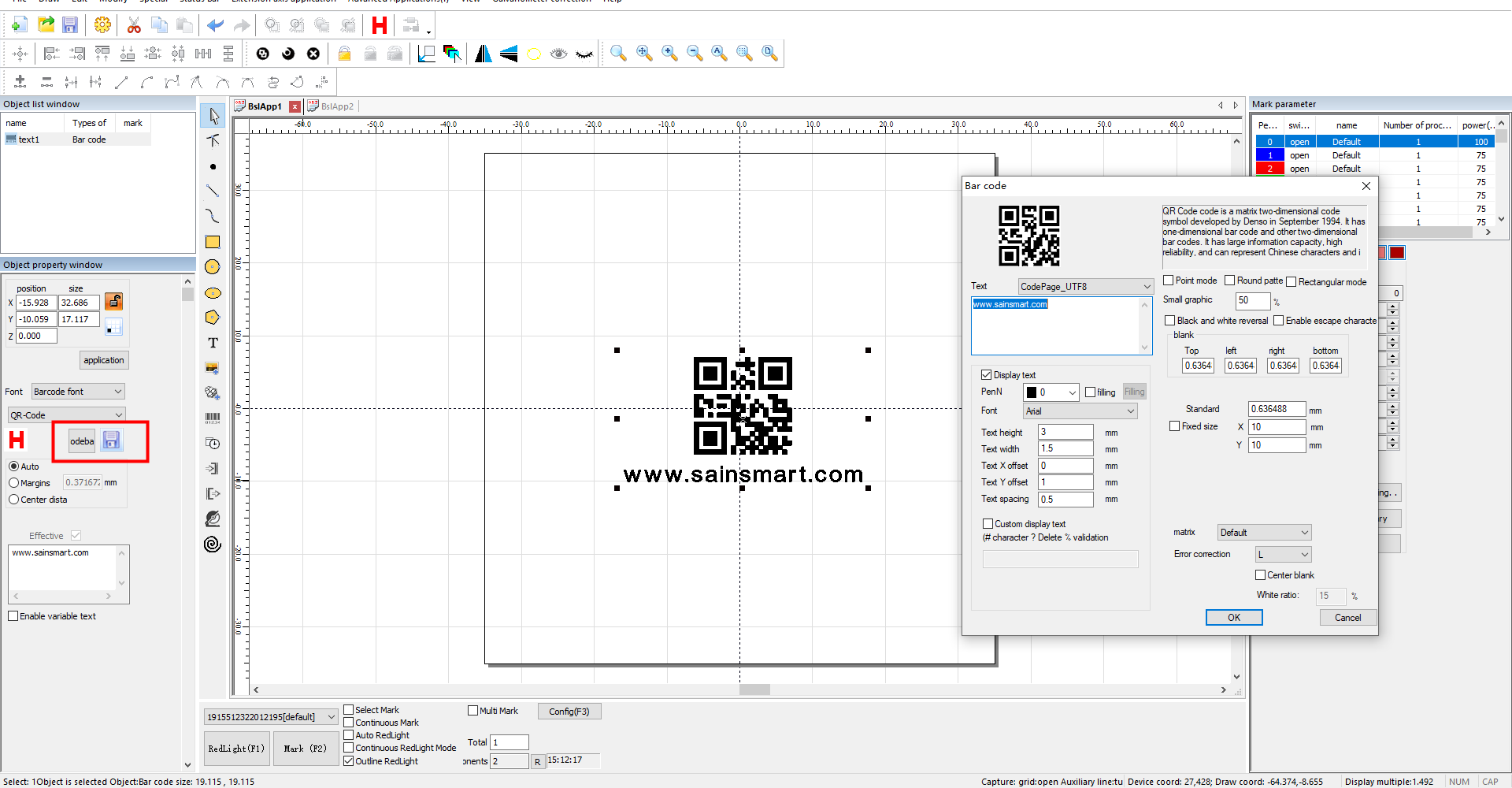
Multiple types of codes are available for you to choose from, including QR codes and barcodes.

Start laser marking
With these steps, you can easily start using the Genmitsu Z5-1 laser marking machine to generate high-quality QR codes on your products.
 |
Generate the QR code using the software provided with the machine. Try to scan the QR code using a smartphone or QR code scanner to verify that it is working properly. |
 |
 |
|
Set up the Z5-1 laser marking machine according to the manufacturer's instructions. Once the machine is set up, start the marking process. The machine is designed to finish marking in just a few seconds.
|
|
 |
 |
|
After the marking process is complete, try to scan the QR code on the product again to ensure that it can be read and contains the correct information. |
|